
How to Create Beautiful E-Cards Using the Crop Feature?
Want to make a one-of-a-kind e-card with your own hands? This article shows you how to cleverly use the crop feature to create e-cards.
Read More
Want to make a one-of-a-kind e-card with your own hands? This article shows you how to cleverly use the crop feature to create e-cards.

This article shows you how to use a single video screenshot to create covers for multiple short video platforms.

Want to use the same photo as your phone, tablet, and computer wallpaper? This guide shows you how to crop it properly for a perfect three-in-one fit.

In this article, I share practical main image tips from my experience running an online store (traditional e-commerce), and show you how to use our website’s cropping tool to create images tailored to different needs.
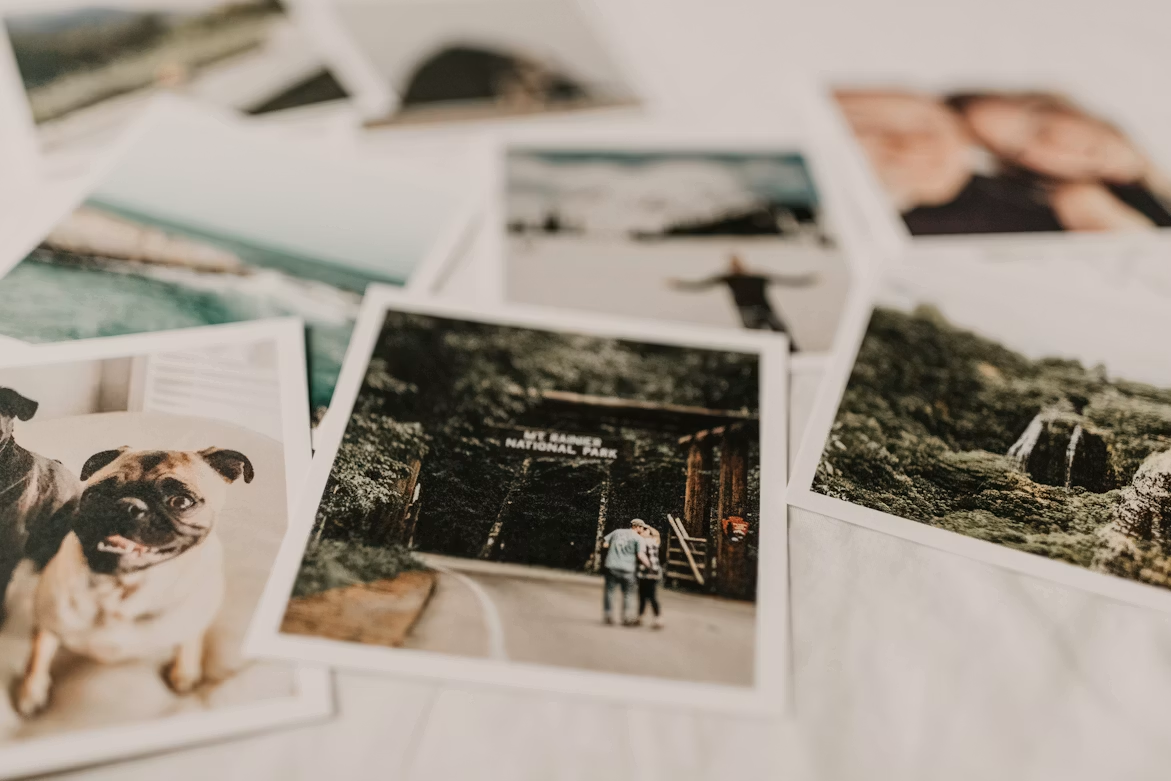
You don’t need fancy editing tricks for street photography — cropping is the simplest and most practical method. This article shares tips on using cropping to add more texture and character to your photos.
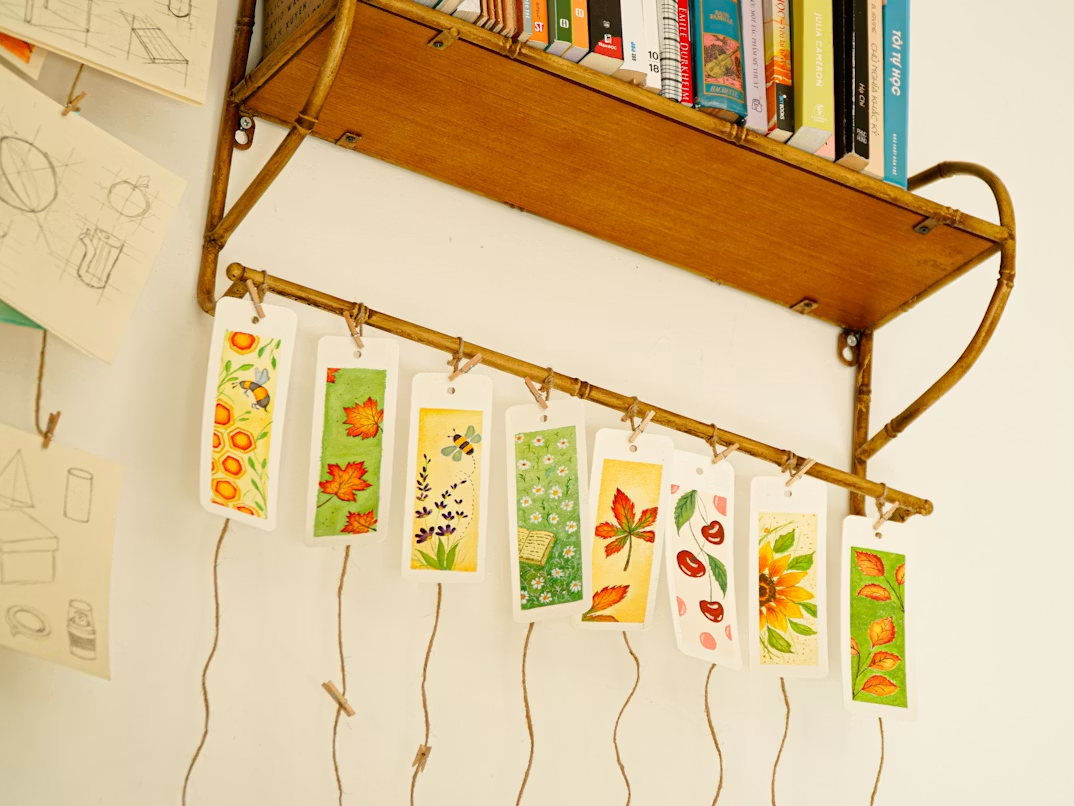
Use your own photos to create a set of one-of-a-kind bookmarks for the book lover in your life. I’m sharing three sizes I’ve tested and loved — all doable in just 5 minutes.
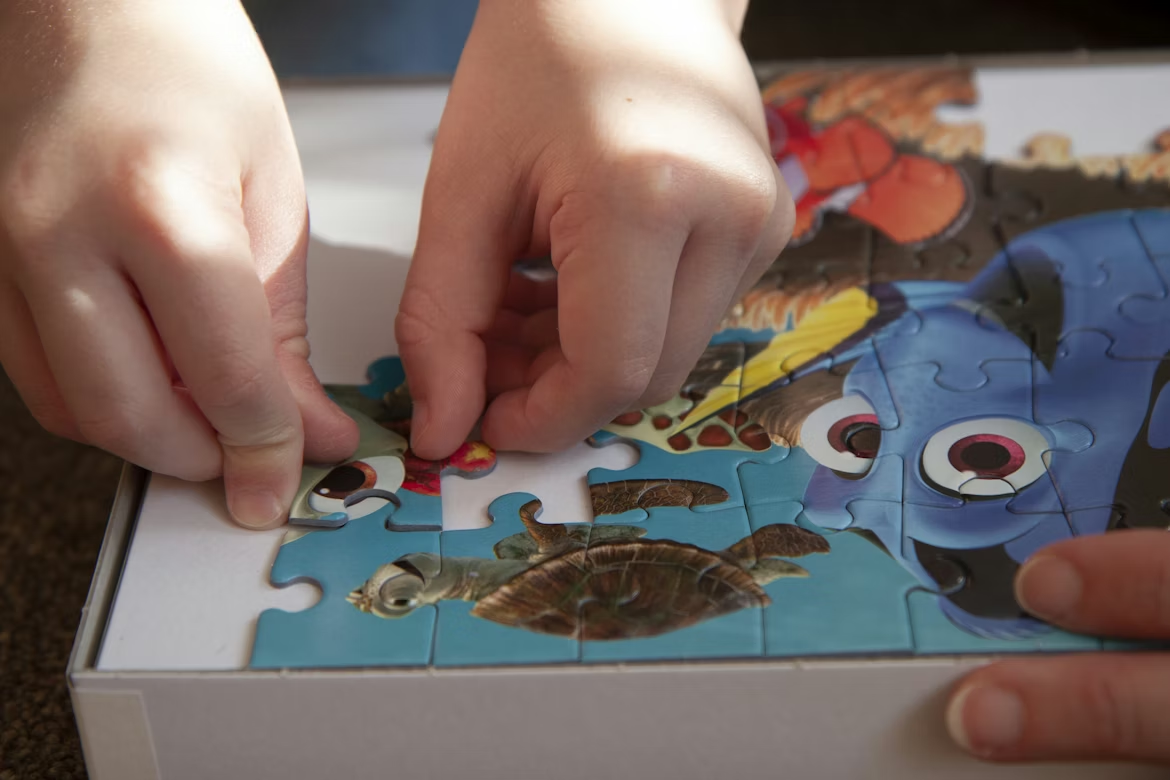
Is your child bored with store-bought puzzles? I'll show you how to use this website's grid cropping tool to turn their favorite cartoons and family photos into a one-of-a-kind puzzle. It saves money, it's a ton of fun, and I've included 3 practical tips!

As a content creator, it's hard to avoid using stock images sometimes. Here are 4 practical methods I use to boost originality. Tried and tested, they make your images feel 'fresher' and more appealing to your audience.
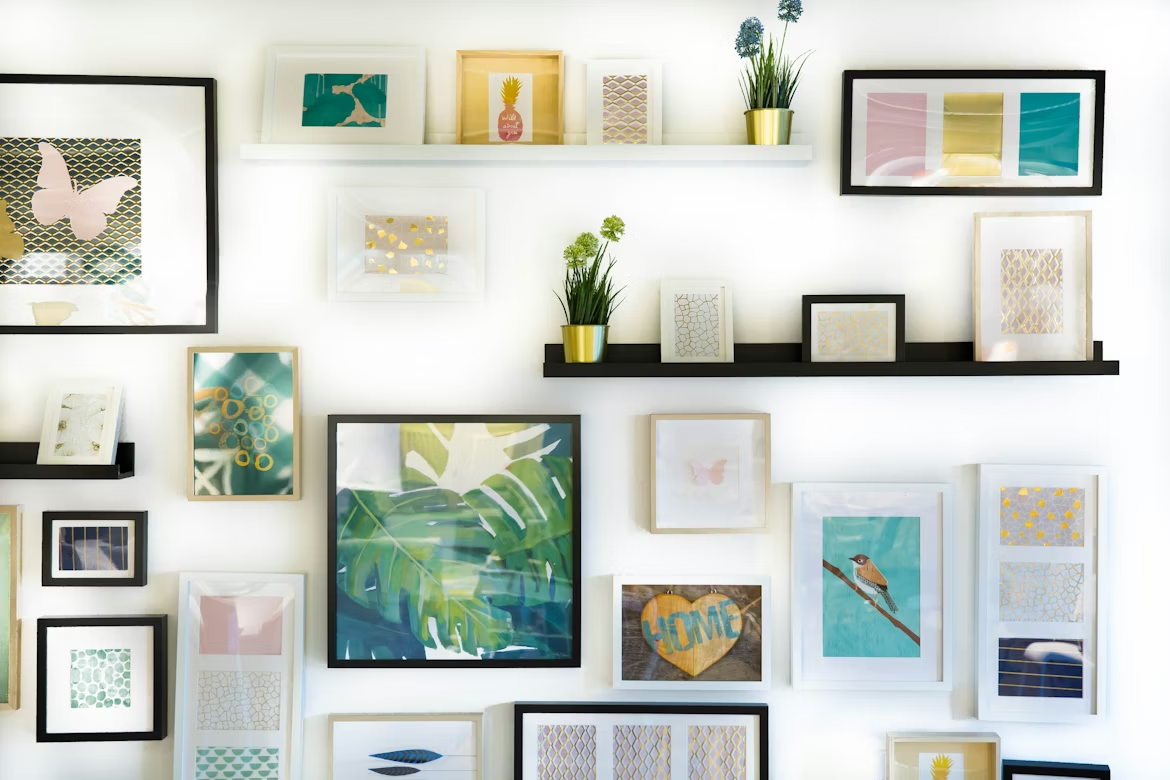
Want to build a photo wall but worried about making mistakes? I'm sharing my real-life experience and practical tips — from picking the right spot and planning the layout to cropping your photos — so you can easily create a beautiful, heartwarming photo wall.

The better your profile picture, the easier it is to grab attention. In this post, I share three types of profile pictures I’ve used for my social media accounts—real-life portraits, product shots, and atmospheric scenes—and how you can easily create an eye-catching profile picture with the cropping tool on this site.