Rotate Image Online
Use presets or rotate image freely by any degree with our precision slider. Fast, free, and no registration required.
Presets
Custom Angle
0°Drag & drop or click to upload
Why I Built This Image Rotation Tool
To be completely honest, I rarely needed to use a photo rotation tool in the past. But everything changed a few years ago when I bought my first dedicated camera.
I instantly fell in love with street photography. I found myself shooting whatever caught my eye, completely spontaneous with my angles and framing. There’s something fundamentally different about shooting with a real camera compared to a smartphone. It’s hard to put into words, but you become entirely immersed in the pure act of capturing the moment.
The Magic of Spontaneous Angles
This immersive shooting style brought about a unique challenge. Because I wasn’t obsessing over perfectly straight horizons or strict compositions, my photos often ended up tilted, accidentally shot in landscape rather than portrait, or just completely skewed.
For me, the priority is always capturing the raw moment right as it happens. If I pause to adjust my angle and perfectly frame the shot, that fleeting, beautiful second vanishes forever. As a result, when I export my photo batches after a street walk to pick my favorites, many of the best shots are never perfectly square. They are slanted, sideways, or upside down. Suddenly, having a reliable way to rotate image files became a huge part of my post-processing workflow.
The Problem: Standard Tools Lack Precision
At first, I relied on the default Windows photo viewer to straighten my pictures. However, its functionality is incredibly rigid. It only allows you to snap photos at fixed 90-degree or 180-degree intervals. But what if I needed to fix a subtle tilt? If I wanted to rotate image by degrees—say, an exact 11-degree adjustment to fix a crooked horizon—the default software simply couldn’t do it.
The Solution: A Dedicated Tool to Rotate Image Online
Custom Angles & Quick Presets
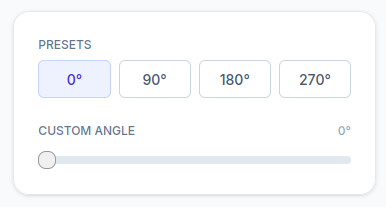
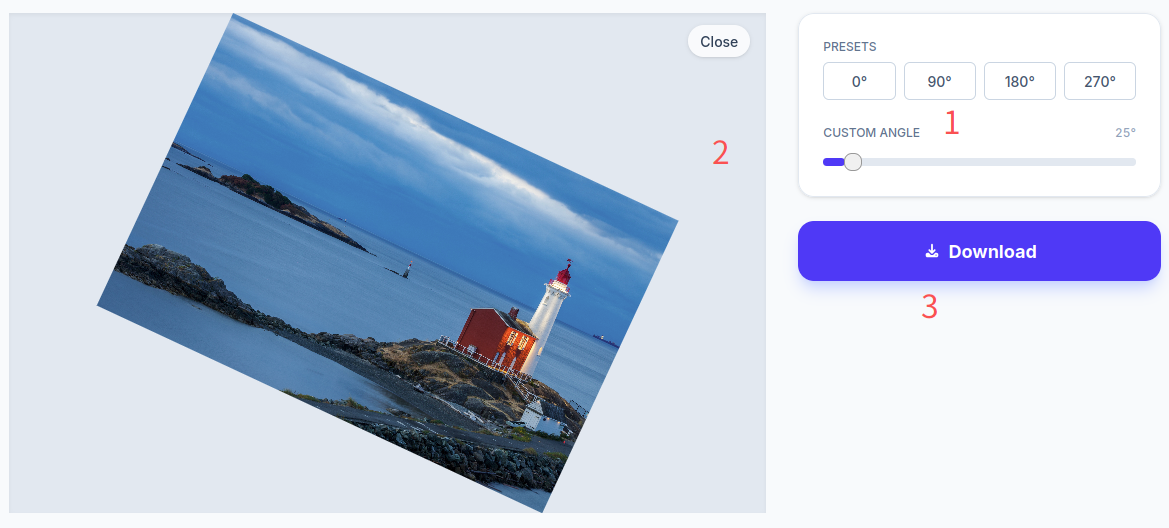
To solve this pain point, I developed a dedicated rotation tool right here on my photo editing website. Now, you can rotate image freely to any custom angle you need, while still having access to one-click presets for the most common 90°, 180°, and 270° adjustments.
Built for the Creative Workflow
My motivation for building this tool was simple: I wanted to help fellow creators who, like me, prefer to focus on the magic of the moment rather than stressing over technical perfection in the field. If you frequently find yourself fixing crooked shots during post-production, I hope this tool allows you to rotate image online effortlessly, making your editing workflow as joyful and stress-free as taking the photos themselves.
Frequently Asked Questions (FAQ)
How do I handle the empty background spaces after I rotate a picture by a custom angle?
When you rotate an image freely at odd angles, blank spaces will naturally appear around the corners. Don’t worry! Your edited file will be downloaded as a high-quality PNG with a fully transparent background. This makes it incredibly easy to drop your straightened photos directly into PowerPoint presentations, Word documents, or web pages without any ugly black or white blocks covering your content.
Will my pictures be saved to the cloud?
Absolutely not. Your privacy is 100% guaranteed. All image processing happens locally directly inside your web browser. None of your photos are ever uploaded to, or stored on, any external servers.
What are the file size limits and supported image formats?
We keep it highly accessible. The tool supports standard JPG and PNG formats. You can process image files up to 10MB in size with resolutions up to 4000 × 4000 pixels. Pretty much any standard smartphone or digital camera photo will work flawlessly here.
How to mirror or flip a photo horizontally instead of rotating it?
This specific page is designed purely for angular adjustments and straightening crooked photos. If you need to flip your image horizontally (mirror effect) or vertically, simply head over to our dedicated Flip Page for those specific features.