Grid Splitter Online
Slice photos into a seamless puzzle feed. It's 100% free, requires no server uploads. Customize your grid rows and columns, then download the sliced results in a ZIP file.
Rows (1-10)
Columns (1-10)
Quick Presets
Large grids may take longer to export.
Drag & drop or click to upload
Why Every Creator Needs a Dedicated Grid Splitter
If you are a heavy social media user, you’ve probably felt the urge to slice a large, stunning image into multiple smaller tiles. When viewed on your profile, these tiles piece together to form a beautiful, eye-catching puzzle effect. I love doing this myself, but finding the right image grid splitter has historically been a frustrating experience.
The Problem with Traditional Photo Grid Maker
In the beginning, I tried using Photoshop, but it was just too tedious and time-consuming. I then tested several specialized apps, but they were bloated with features I didn’t need. Downloading a massive app just to perform one simple task is incredibly inefficient.
There are a few web-based options out there, but they come with huge drawbacks: they either force you to upload your personal photos to their servers, throttle your download speeds, or restrict your row and column options. Some even make you watch ads or pay a premium just to use a basic 5×5 layout! Frustrated by this, I decided to code my own image grid splitter to help myself and anyone else with the exact same needs.
How Our Free Grid Splitter Works
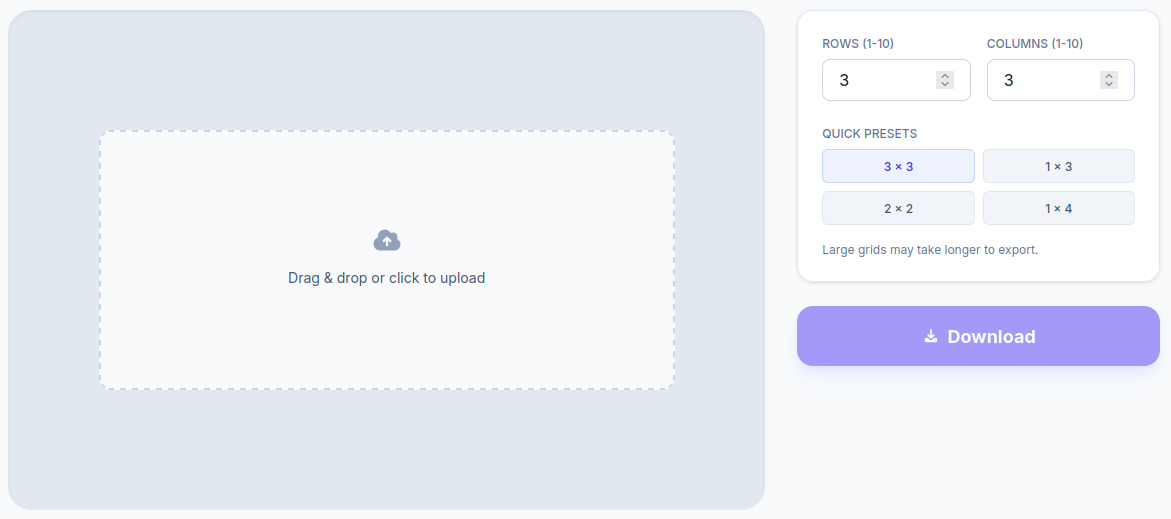
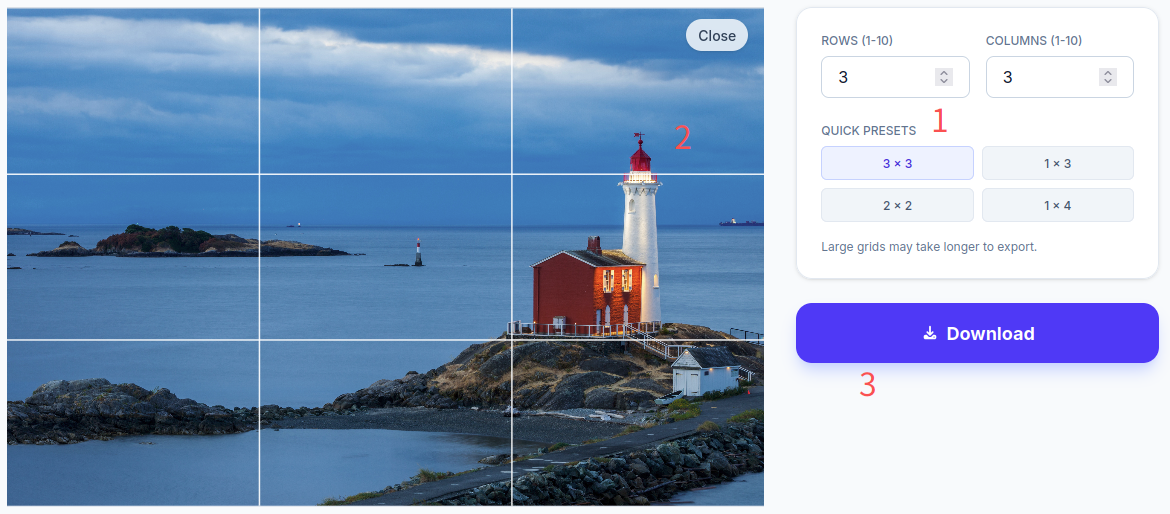
Using this grid splitter is as simple as it gets. Just upload your picture, select your desired rows and columns, and let the tool do the rest. It will automatically slice your image and provide a compressed ZIP file for you to download.
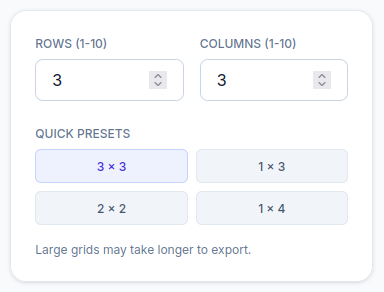
To save you time, I’ve included quick presets for the most popular layouts used by myself and my friends, such as 3×3, 2×2, 1×4, and 1×3. Based on my personal experience, the 3 grid splitter (3×3) is the absolute classic. Whenever I want to share a high-quality, atmospheric photo, I love dividing it up into a 9-tile layout. Posting them one by one creates an amazing visual impact on my profile.
Creative Use Cases: Beyond an Instagram Grid Maker
This photo grid splitter isn’t just for social media aesthetics; it’s also a fantastic tool for real-world creativity.
For example, when my toddler was around two or three years old, I wanted him to play with puzzles to develop his hand-eye coordination and cognitive skills. Store-bought puzzles had two major issues: they were expensive (and kids rarely want to play the same puzzle twice), and it was hard to find ones featuring the specific characters he actually liked.
My solution? I used this grid splitter workflow to turn pictures of his favorite picture book characters—and even family photos—into custom DIY puzzles! I started with a simple 3×3 cut, gradually increasing the difficulty to 5×5 and eventually 8×8. After printing and cutting them out, the results were incredible. He was absolutely thrilled to piece together photos of his mom and dad; he was so happy he even clapped his feet in excitement!
I believe there are countless other creative ways to use this utility. Whether you want to streamline your workflow or just add a little fun to your life, I hope this helps. If you’ve ever been forced to watch an ad or buy a subscription just to slice a photo, you are more than welcome to use my clean, totally free, zero-cloud-upload tool.
Frequently Asked Questions (FAQ)
Are my photos uploaded to a server when I use this grid splitter tool?
Absolutely not. All image processing happens locally right inside your browser. No files are ever uploaded to any server. I personally hate the idea of private photos being stored on a random backend, which is one of the main reasons I built this webpage.
What image formats are supported? Are there any file size limits?
Currently, standard JPG and PNG formats are fully supported. You can upload images up to 10MB, with a maximum resolution of 4000 × 4000 pixels. Photos taken with everyday smartphones will work perfectly without any issues.
Can I use this splitter to make circular cuts?
At the moment, this specific page only handles rectangular cuts and does not offer circular splitting. However, if you’re looking for circular cropping, you can find similar functionalities in the Crop Page on my website. Feel free to give that a try!