Flip Image Online
Easily mirror flip image horizontally, vertically, or sideways with our fast tool. High-quality photo flipping in seconds.
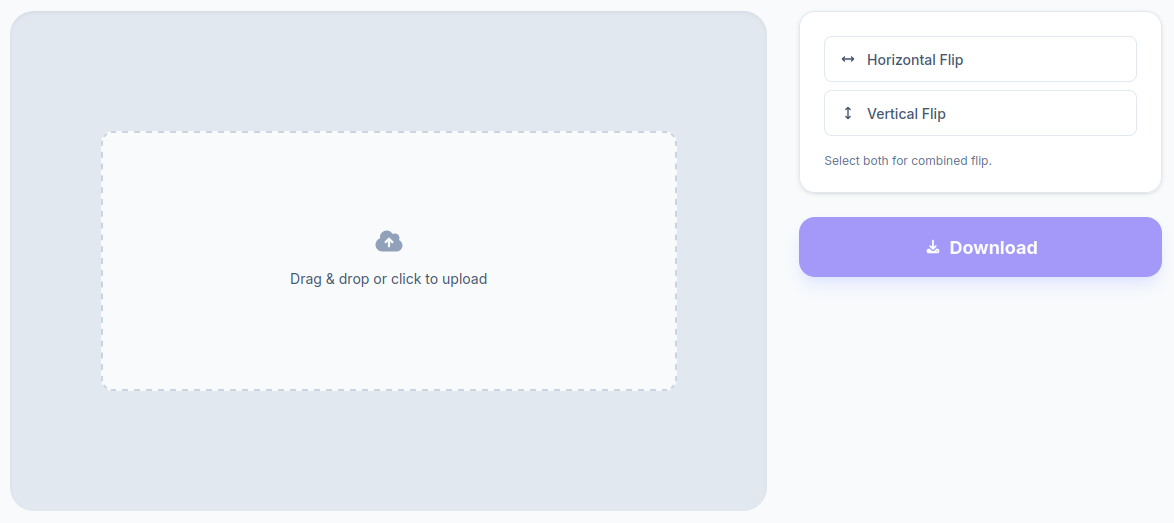
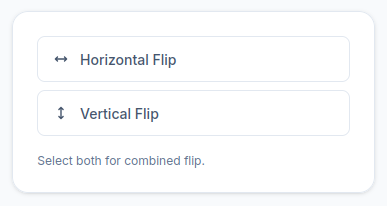
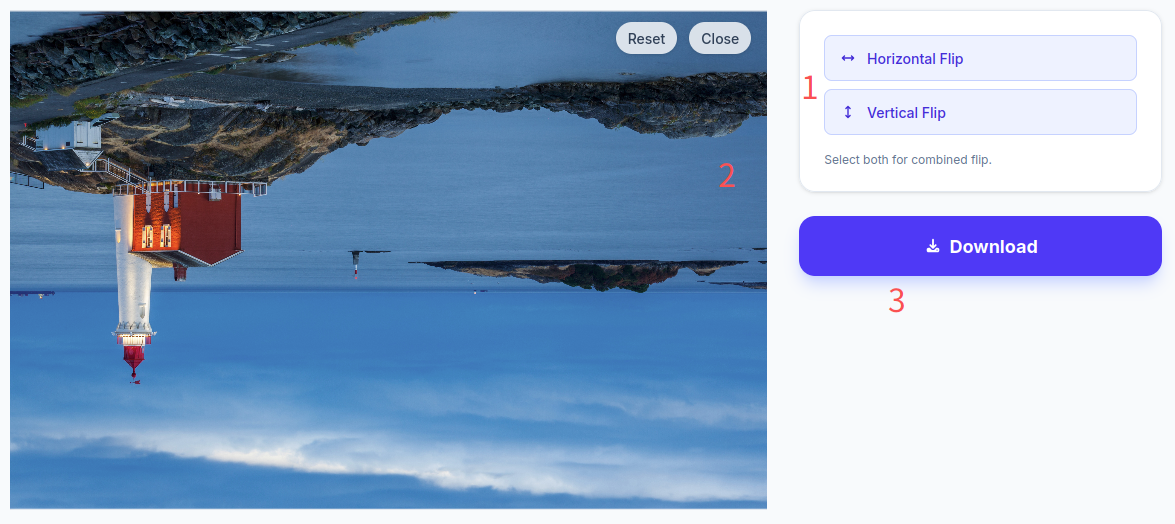
Select both for combined flip.
Drag & drop or click to upload
From “Fake Need” to Daily Necessity
To be completely honest, I used to think the ability to flip image files was a totally fabricated need. An image is what it is—why go through the trouble of reversing it? It wasn’t until I became a digital content creator that my perspective shifted entirely.
Here is exactly why I changed my mind, and why I eventually built a dedicated tool to flip image online.
User Scenario 1: Beating the Social Media Algorithm
Anyone in digital marketing or content creation knows that platforms heavily reward originality. The higher your content’s originality score, the better your reach, views, and engagement will be.
While I shoot the vast majority of my own footage, there are times when I have to rely on non-commercial stock materials. Using these assets as-is immediately drops the overall uniqueness of the video or post, leading to poor performance metrics. I needed a way to boost the “originality” of these materials.
Believe it or not, the flip image horizontally trick is often the best first step. Sometimes, simply choosing to mirror flip image assets is enough to bypass duplicate-content filters and yield excellent engagement results—completely eliminating the need for complex photo editing.
User Scenario 2: The Desktop Wallpaper Dilemma
Another highly practical pain point drove me to add an image-flipping feature to my web toolkit: desktop wallpapers.
I work across both Windows and Mac environments daily. As most users know, Windows defaults to aligning desktop icons on the left side of the screen, whereas macOS pushes them to the right. This creates a frustrating aesthetic problem. A wallpaper I love might look incredible on my PC, but the main focal point of the photo gets completely blocked by a giant stack of folders on my Mac.
The quickest solution? Just flip image sideways. By mirroring the background, the most visually appealing part of the wallpaper is always perfectly visible, regardless of the operating system.
User Scenario 3: Smartphone Home Screen Customization
This exact same wallpaper issue happens on mobile devices. I like to group my smartphone app icons by function or color, and many of my friends do the same. Because of these UI layouts, the best part of your lock screen or home screen photo often gets covered up by widgets and folders.
Are you going to rearrange dozens of app icons every single time you change your wallpaper? Probably not—it’s easier to just keep the old background. But if you can use a tool to flip image free of charge, you instantly fix this visual clash without ruining your app organization.
The Solution: A Fast, Secure Web Tool
Once I realized how frequently I needed to solve these content creation and UI issues, mirroring images evolved from a “fake need” into a high-frequency task.
That’s why I added a dedicated flipping feature to my online image processing website. I wanted to create a lightweight, frictionless solution for anyone dealing with these exact same frustrations.
Frequently Asked Questions (FAQ)
Do you save image to the cloud when I flip image online?
Absolutely safe, and no, we don’t use cloud storage. All image processing is handled locally right inside your web browser. The moment you close the webpage, your uploaded photos are instantly cleared from the cache. Your privacy is 100% guaranteed.
What are the file size and format limits to flip image on this site?
There are no strict limitations. The tool seamlessly supports standard formats like JPG and PNG. As long as your image file is under 10MB and the resolution is within 4000 × 4000 pixels, it will work perfectly. Standard photos taken straight from your smartphone are fully supported.
How do I rotate a picture 90 degrees or to a custom angle?
This specific webpage is designed strictly for horizontal (left/right) and vertical (up/down) flipping. If you are looking to rotate an image to an arbitrary angle or do a 90-degree turn, please navigate to our dedicated Rotate Page to use those features!