Square Image Online
Convert photo to square online without cropping. Use this free square resizer and editor to get the perfect square image size for Instagram & more.
Blur Intensity:
20Background Color:
Drag & drop or click to upload
The Aspect Ratio Dilemma
I used to genuinely struggle to understand this: why do almost all modern cameras and smartphones shoot in rectangular aspect ratios (like 16:9 or 4:3), while so many social media platforms, mobile apps, and digital screens insist on a perfect square image?
The result? You spend time capturing a stunning rectangular shot, only to upload it and get slapped with massive, ugly black borders—or worse, a forced crop that ruins your composition. It is incredibly maddening!
But the reality of digital design dictates that we have to adapt. Whether you’re trying to nail the perfect Instagram square resize or just updating a profile picture, dealing with aspect ratio mismatches is a necessary evil.
Life Before This Tool
How did I deal with fitting rectangular photos into a square image size in the past? I had three go-to methods:
- The “Blurry Backdrop” Trick: My absolute favorite workaround was placing the original photo over a scaled-up, blurred version of itself. This creates a highly cohesive, aesthetic look. However, I used to do this entirely in Photoshop. While not overly difficult, manually repeating the process for every single square photo was tedious and draining.
- Matching Solid Colors: Sometimes, the web page or social app has a fixed background color (like a solid orange). In those cases, I would use a square editor to change my image’s background to match the platform perfectly, creating a seamless illusion. This works exceptionally well when the original aspect ratio isn’t dramatically different from a perfect square.
- The Direct Stretch: When the proportions were already close enough, I would simply stretch the rectangular picture into a square. Yes, it sacrifices a bit of visual accuracy, but as long as the distortion is acceptable, I’m not one to nitpick.
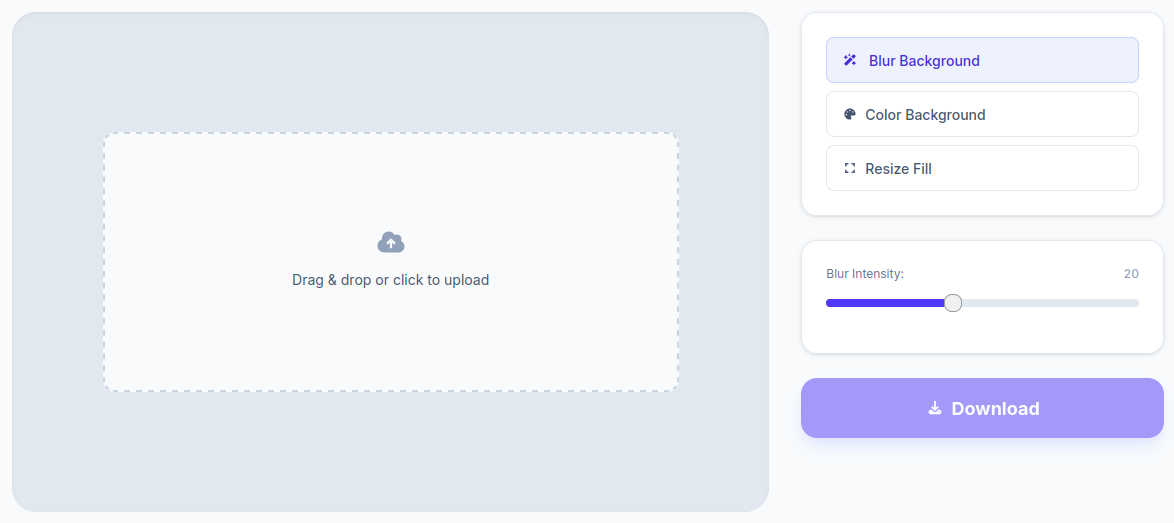
The Solution: A Quick & Seamless Square Maker
I got so tired of launching heavy editing software for such a simple task that I decided to build a dedicated web tool. If you’ve been searching for a way to convert photo to square without cropping, you’re in the right place.
This square image online tool allows you to execute all three of my past workarounds instantly—no Photoshop required!
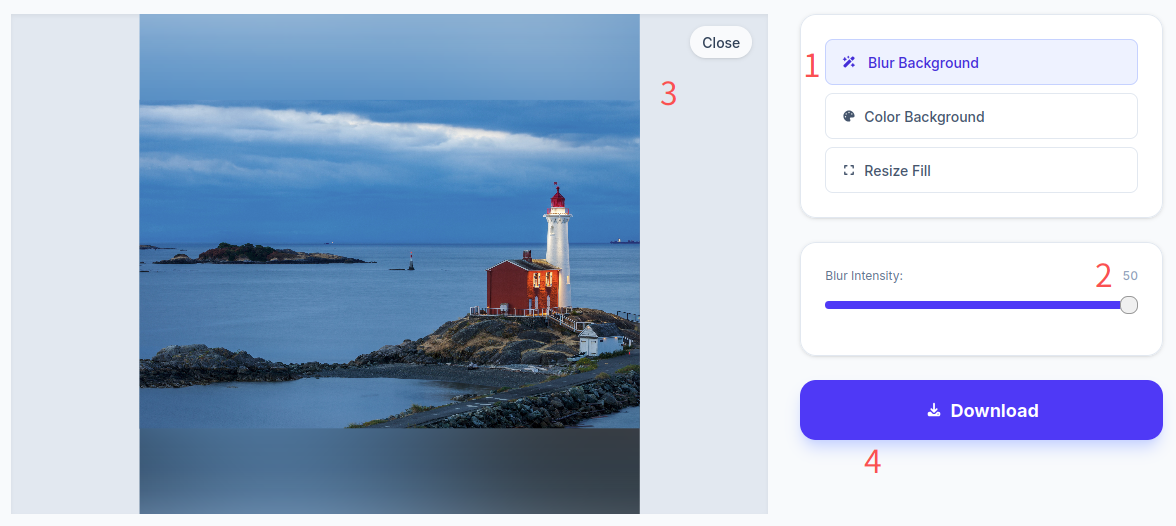
1. Auto-Blur Background Generator
Simply upload your picture, and the tool will automatically generate a beautiful, cohesive blurred background behind it. I’ve even added a custom slider so you can control the intensity. Whether you want a subtle soft-focus effect or a heavily blurred backdrop, this square resizer handles it in real-time.
2. Custom Solid Color Backgrounds
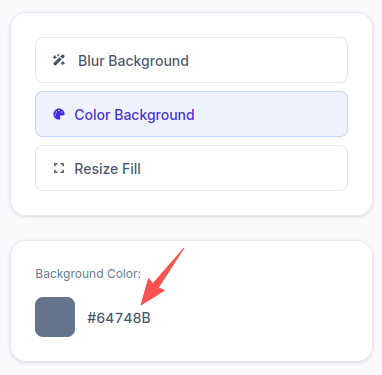
Prefer a clean, minimalist look? You can set a custom background color to fill the negative space. As long as you know your desired hex color code, you can input it directly and watch your image update instantly.
3. Direct Stretch to Square Format
If you just want to force the image into a 1:1 ratio, upload your file and instantly preview the stretched effect. If you like how it looks, save it! If not, easily switch back to the blur or solid color options.
I honestly hope digital platforms start phasing out mandatory square display areas in the future. Even a circular crop looks significantly better aesthetically! It breaks my heart when we have to make painful, frustrating compromises just to force our beautiful photography into a rigid square box.
Frequently Asked Questions (FAQ)
Is this a square image free tool, and are my uploaded photos safe?
Yes, it is 100% free! More importantly, your privacy is completely secure. I do not save your pictures to any backend servers. All image processing happens locally right inside your web browser. The moment you close the page, all image data is instantly cleared out.
What are the file and square image size limits for this tool?
There are barely any restrictions! The tool supports standard JPG and PNG formats. You can upload files up to 10MB in size, and it comfortably handles high-resolution images up to 4000 × 4000 pixels. The everyday photos you shoot on your smartphone will work flawlessly.
How do I make a picture square for Instagram without losing quality?
By using the blur background or solid color padding features in our tool, you maintain the full original resolution of your subject while filling the required 1:1 canvas perfectly.
Can this tool crop my picture into a circle instead of a square?
No, this specific page is built strictly as a square maker and does not support circular cropping. However, I have developed a separate dedicated image-cropping tool that handles circular cuts beautifully. Feel free to check Crop Page if you need a round profile picture!