Today I want to share with you how I used this website to make some really beautiful, one-of-a-kind bookmarks.
The story behind it is actually quite romantic (at least I think so). My wife is a huge book lover — she spends almost all her free time reading. In our living room, we don’t have a TV; instead, there’s an entire wall of books, floor-to-ceiling shelves packed with books she’s read, hasn’t read yet, and is currently reading.
Since she reads every day, bookmarks have become her most-used little accessory. When we go out and pass by craft stores or artisan shops, she loves picking up all sorts of bookmarks.
As for me, I’m into photography. We often take our camera out for street photography — landscapes, city scenes, people, all kinds of subjects.
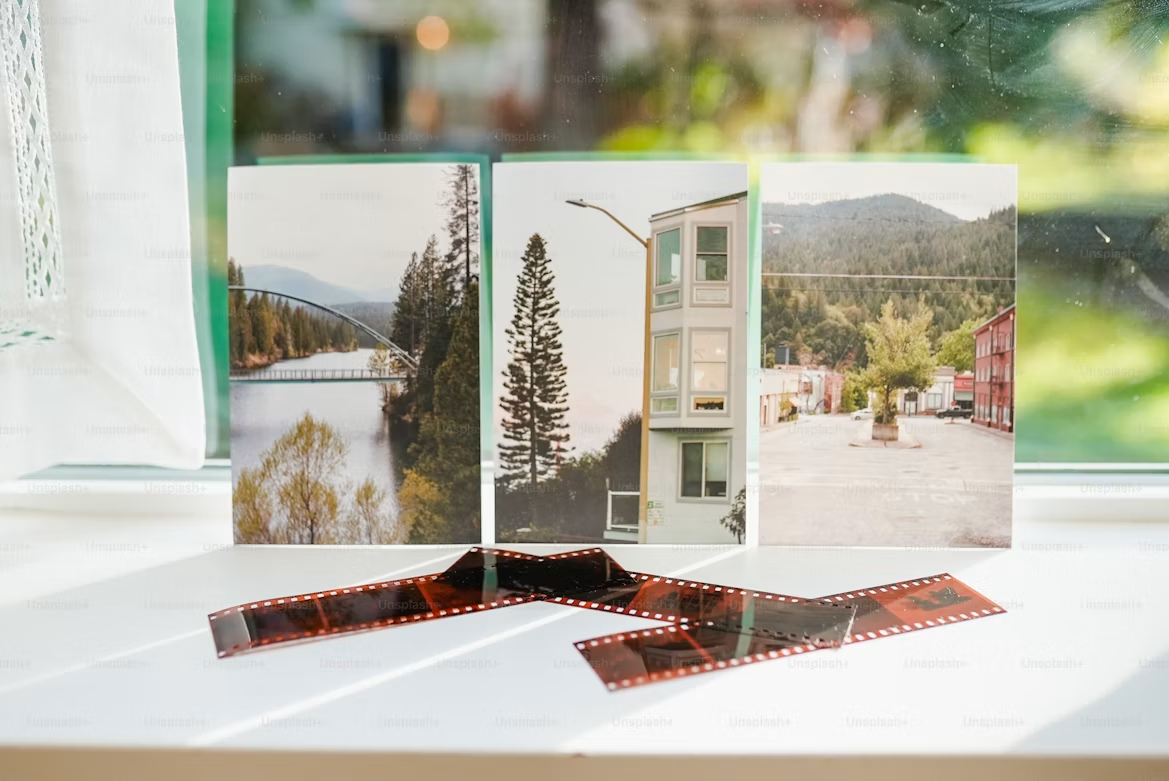
One day it hit me: why not use the beautiful photos I’ve taken to make bookmarks for her? I thought it would be a pretty romantic gesture. So I decided to make a set of 10 bookmarks, each featuring a different type of scene, as a little gift for my wife.
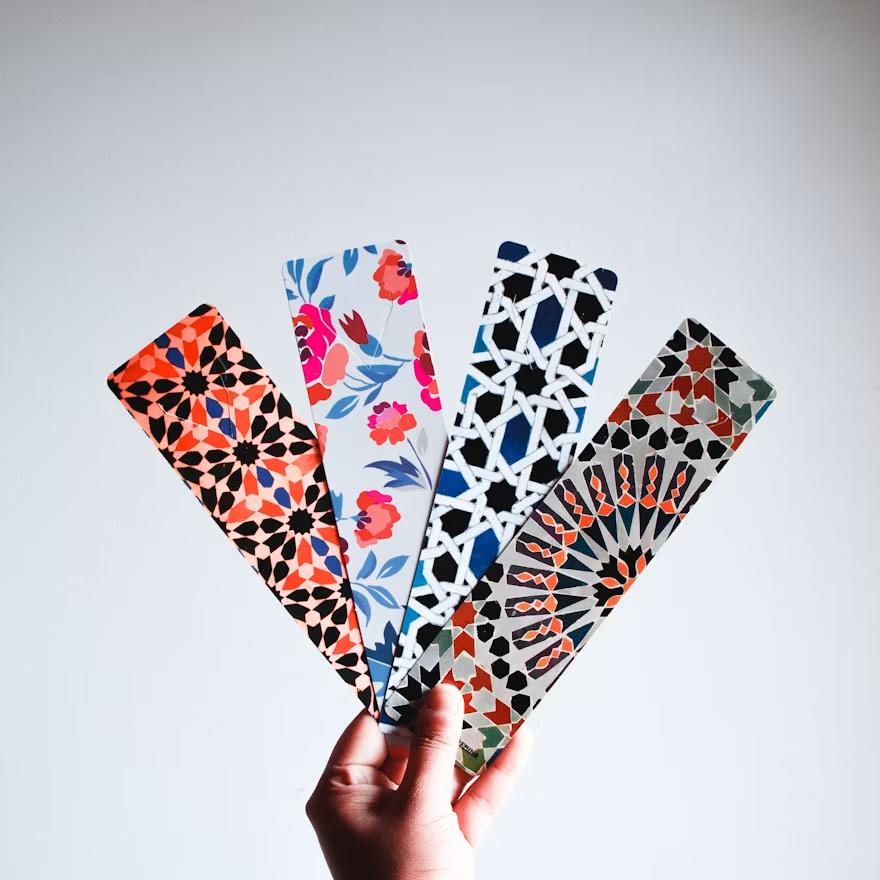
The Challenge: Choosing the Right Bookmark Size
In practice, I found that making the bookmarks isn’t hard — what’s really puzzling is figuring out the ideal dimensions.
After a lot of trial and error, I settled on three sizes that I think look the best and that my wife really loves. Here they are.
Type 1: Slim (5 cm × 15 cm)
This is the most classic and versatile shape. The aspect ratio is 1:3.
It gives a slender look and works especially well with portraits, landscapes, or selfies. On our website, just use the Crop Page, set the ratio to 1:3, and crop the area you want.
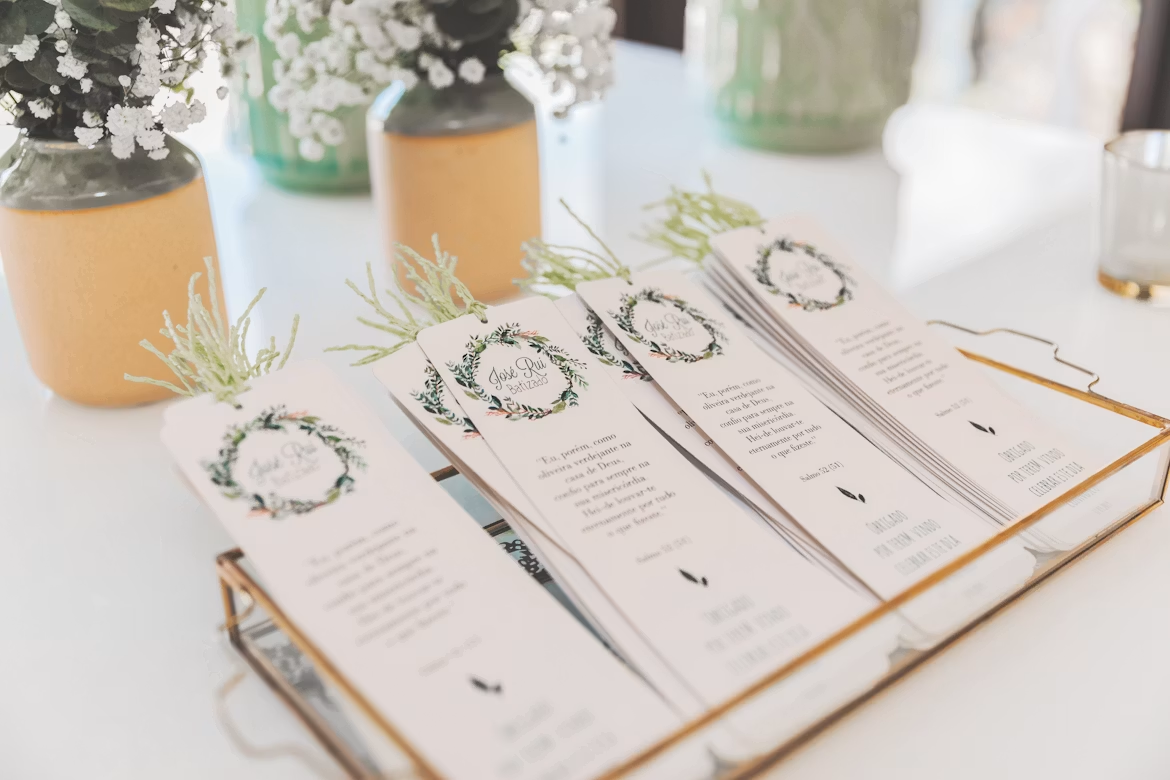
Type 2: Compact (4 cm × 12 cm)
This is also a 1:3 ratio, but the overall bookmark is smaller and more portable.
My wife sometimes takes a smaller book when she goes out, like to a coffee shop or reading outdoors, and she especially loves these little bookmarks. Again, use the Crop Page and set a 1:3 ratio to select the part of the photo you want.
Type 3: Nearly Square (6 cm × 9 cm)
The aspect ratio is 2:3, which is closer to square than the previous two.
Why this ratio? Because some photos just don’t work well in a very elongated bookmark. If your photo has a horizontal composition, forcing it into a 1:3 strip will look terrible. With a 2:3 ratio, you can show more of the photo’s content, and the result is much more pleasing.
These bookmarks are especially suitable for:
- Horizontally composed photos
- Group photos or couple shots
Personally, my favorite photos to use for this type are close-up selfies of me and my wife — they work amazingly well. Close-up portraits of her are also perfect.
A Quick Tip
Whichever size you choose, when you use the Crop Page on our website, after setting the ratio, be sure to drag the selection box with your mouse to carefully frame the best part of the photo for your bookmark. This step is crucial — it determines the final look.
Final Thoughts
If you have a friend who’s really into reading, or if your husband or wife is a book lover too, why not try making some bookmarks from your everyday photos? It’s a truly meaningful and romantic little gesture.